



If you operate a heavy vehicle on public highways, the Instant 2290 Schedule 1 E-File provides the stamped Schedule 1 for Form 2290, the single document you will be asked for again and again. States use it to renew tags and IRP, leasing companies ask for it before releasing equipment, and roadside inspectors may request it as proof you paid the Heavy Vehicle Use Tax. Below is a concise, up to date guide to what Schedule 1 is, when you need it, how to get it fast, and how to avoid costly delays.
What is Schedule 1 for Form 2290?
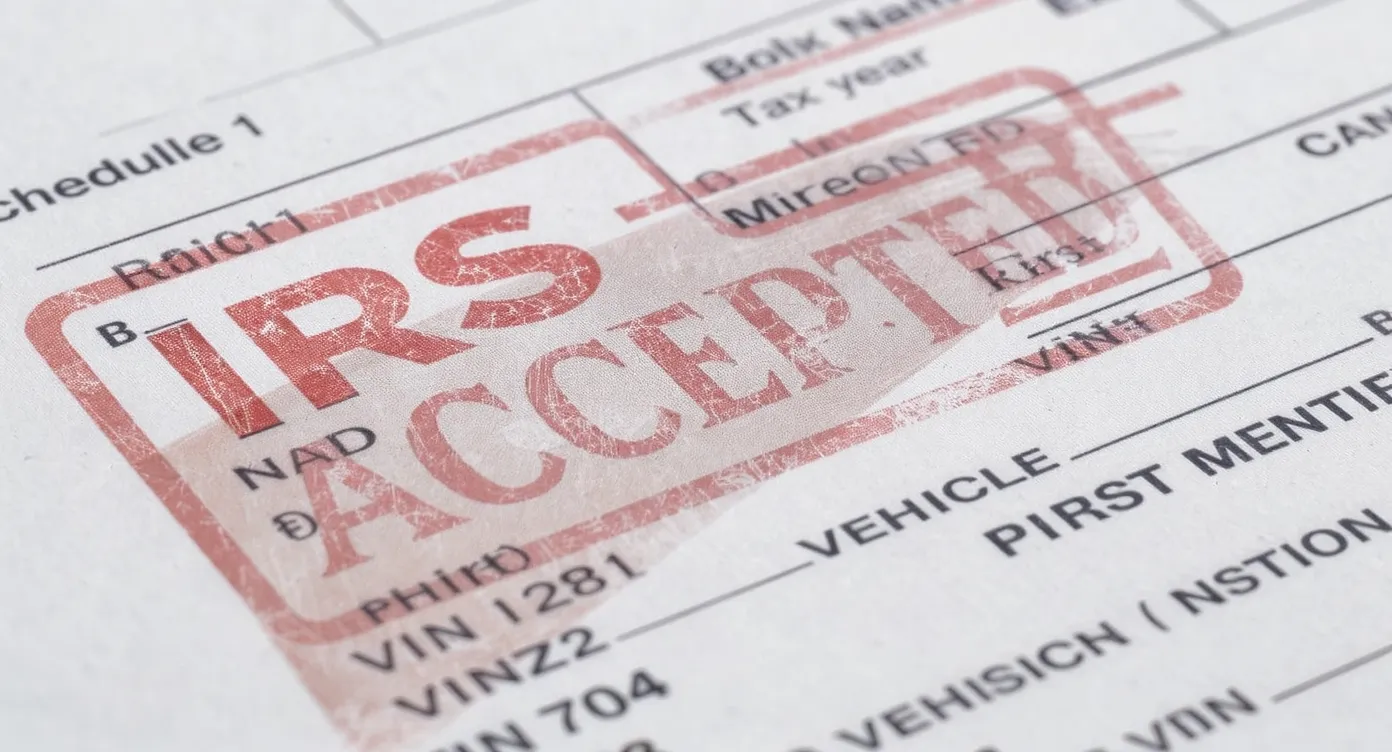
Schedule 1 is the proof of payment for the IRS Heavy Highway Vehicle Use Tax Return, Form 2290. When the IRS accepts your return, it issues a stamped or watermarked Schedule 1 that lists the VINs you filed, the tax year, first used month, and vehicle category. Secure HVUT Proof Online serves as your official evidence that the HVUT requirement has been met for the listed vehicles.
Key points to remember:
- The HVUT tax period runs from July 1 to June 30 each year, per the IRS.
- You must have an Employer Identification Number to file Form 2290. An SSN cannot be used.
- The IRS will e-stamp Schedule 1 for e-filed returns. Most DMVs accept the e-stamped Schedule 1. Verify any state specific rules with your DMV.
For authoritative details, see the IRS pages for About Form 2290 and Instructions for Form 2290.
When do you need Schedule 1? Understanding due dates
You file Form 2290 and get Schedule 1 by the last day of the month following the vehicle’s first used month in the tax year. If the due date falls on a weekend or federal holiday, you can file the next business day.
Here is a quick reference that applies every year:
| First used month | Filing deadline (last day of next month) |
|---|---|
| July | August 31 |
| August | September 30 |
| September | October 31 |
| October | November 30 |
| November | December 31 |
| December | January 31 |
| January | February 28 or 29 |
| February | March 31 |
| March | April 30 |
| April | May 31 |
| May | June 30 |
| June | July 31 |
Example: If a truck first hits public roads in December, file by January 31 to receive your Schedule 1 on time.
If you want a full walkthrough of timing, first used month, and how tax is computed, read our guides on Form 2290 Requirements and How to Calculate Form 2290.
What appears on a valid Schedule 1
A correctly issued Schedule 1 will show:
- Your business name and EIN, the tax period, and first used month
- A list of vehicle identification numbers, each with its category code
- Status indicators, for example logging or suspended under Category W
- An IRS e-file watermark with the received date for electronic filings
Category codes A through V reflect taxable gross weight brackets. Category W indicates a suspended vehicle that is expected to stay under the mileage threshold, generally 5,000 miles on public roads, or 7,500 for agricultural vehicles. For a deeper dive on suspended vehicles, see Form 2290 Category W, and for heavier units see Form 2290 Category V.
How to get an e-stamped Schedule 1 in minutes with Simple Form 2290
Simple Form 2290 is an IRS authorized e-file provider designed for owner operators and fleets that need fast, reliable results without the paperwork hassle.
- Create your account and enter your EIN and business details.
- Add vehicles by VIN, select first used month, and choose logging or non logging status.
- The system calculates the tax automatically. Bulk uploads are available for fleets.
- Pick your IRS payment method, review, and e-sign in the portal.
- Transmit to the IRS and receive your e-stamped Schedule 1 by email, typically within minutes of IRS acceptance. Your documents are saved in your dashboard for easy reprint.
New to filing or switching from paper mailing? Start with our tutorial, How to File Form 2290.
Payment options and how they affect Schedule 1
When you e-file Form 2290 you will choose how to pay the IRS:
- Electronic funds withdrawal from a U.S. bank account
- EFTPS payment you schedule yourself
- Debit or credit card through IRS approved processors
- Check or money order with a voucher
Your Schedule 1 is issued after IRS acceptance of your return, regardless of which payment option you select. You must still complete the payment by the due date. For a full comparison of options, visit the IRS page for About Form 2290 and our overview in Form 2290 Requirements.
Avoid these common rejection triggers
Prevent delays by double checking the following before you submit:
- EIN issues, new EINs can take up to two weeks to show in IRS e-filing systems. The name control must match IRS records.
- VIN accuracy, VINs are 17 characters and do not use the letters I, O, or Q. One transposed character creates a reject and forces a VIN correction.
- First used month, this drives both your filing deadline and the period printed on Schedule 1. Do not choose July if the vehicle first hit the road later in the year.
- Duplicate filings, re-filing the same VIN for the same period without an amendment can be rejected.
- Bank or payment errors, incorrect routing or account numbers can cause payment problems and penalties later even if your Schedule 1 was issued.
If you do make a mistake, we have step by step fixes:
- VIN wrong, file a free correction using our guide, How to do VIN Correction.
- Vehicle exceeded the mileage limit after you filed Category W, see Form 2290 Amendments.
- Weight increased into a higher bracket, also file an amendment to update the category and pay the difference.
Special situations that change your Schedule 1
- Suspended vehicles, Category W requires filing even when no tax is due. Details in Form 2290 Category W.
- Logging vehicles, qualify for reduced HVUT. See rate differences in How much is the 2290 tax.
- Exempt entities and uses, governments, certain nonprofits, and specific vehicle types may be exempt. Learn more in Form 2290 Exemption.
- Sold, destroyed, or stolen vehicles, you may claim a credit or request a refund with Form 8849. Start with Form 2290 Refund.
- Paper mail filings, if you must mail, use the correct IRS address and allow extra time. See Form 2290 Mailing Address.

How long should you keep your Schedule 1 and where to store it
If you ever need another copy of your IRS Stamped Form 2290 Schedule 1, log in to your Simple Form 2290 account to reprint your Schedule 1 instantly. If you filed by paper and misplaced your IRS Stamped Form 2290 Schedule 1, contact the IRS or visit a local Taxpayer Assistance Center to request options for obtaining a copy.
If you ever need another copy, log in to your Simple Form 2290 account to reprint your Schedule 1 instantly. If you filed by paper and misplaced your Schedule 1, contact the IRS or visit a local Taxpayer Assistance Center to request options for obtaining a copy.
Quick reference, what determines your HVUT amount
Your tax is based on taxable gross weight, whether the vehicle is used for logging, and whether it stays under the mileage threshold. For rates and examples, see How much is the 2290 tax.
If you are not sure you are required to file, read Who Must File Form 2290.
Sources and further reading
- IRS, About Form 2290, Heavy Highway Vehicle Use Tax Return: https://www.irs.gov/forms-pubs/about-form-2290
- IRS, Instructions for Form 2290: https://www.irs.gov/instructions/i2290
- IRS, E-file Form 2290, Heavy Highway Vehicle Use Tax: https://www.irs.gov/e-file-providers/e-file-form-2290
Frequently Asked Questions
How fast can I get my Schedule 1 after I e-file? In most cases you will receive an IRS e-stamped Schedule 1 within minutes of IRS acceptance. During peak season or IRS maintenance windows it may take longer.
Do DMVs accept an e-stamped Schedule 1? Most DMVs accept the IRS e-stamped Schedule 1 as proof of payment. Some states may have additional requirements, so check with your local office if you are unsure.
Can I file Form 2290 without an EIN? No. The IRS requires an EIN for Form 2290. It can take up to two weeks after obtaining an EIN before you can successfully e-file.
What if I entered the wrong VIN on my Schedule 1? File a VIN correction for the same tax year. You do not repay the tax for a simple VIN correction. See our guide, How to do VIN Correction.
Does a suspended vehicle still need Schedule 1? Yes. File Form 2290 indicating Category W to receive a Schedule 1 that shows the vehicle is suspended due to low mileage. If mileage later exceeds the limit, file an amendment and pay the tax.
I sold or destroyed my truck after filing. Can I get a credit? You may be eligible for a credit or refund using Form 8849. Start here, Form 2290 Refund.
Can multiple VINs appear on one Schedule 1? Yes. You can file a single return with multiple vehicles and receive one Schedule 1 listing all VINs filed together.
What is the difference between Form 2290 and Schedule 1? Form 2290 is the tax return you file. Schedule 1 is the receipt the IRS issues after acceptance, which serves as proof of payment or suspension for the listed vehicles.
Ready to get your Form 2290 Schedule 1 fast and avoid paperwork headaches? File online with Simple Form 2290, the IRS authorized 2290 e-file provider built for truckers and fleets. Enjoy easy online filing, instant Schedule 1 delivery after IRS acceptance, bulk vehicle uploads, secure data storage, and bilingual support. Start now at https://www.simpleform2290.com