


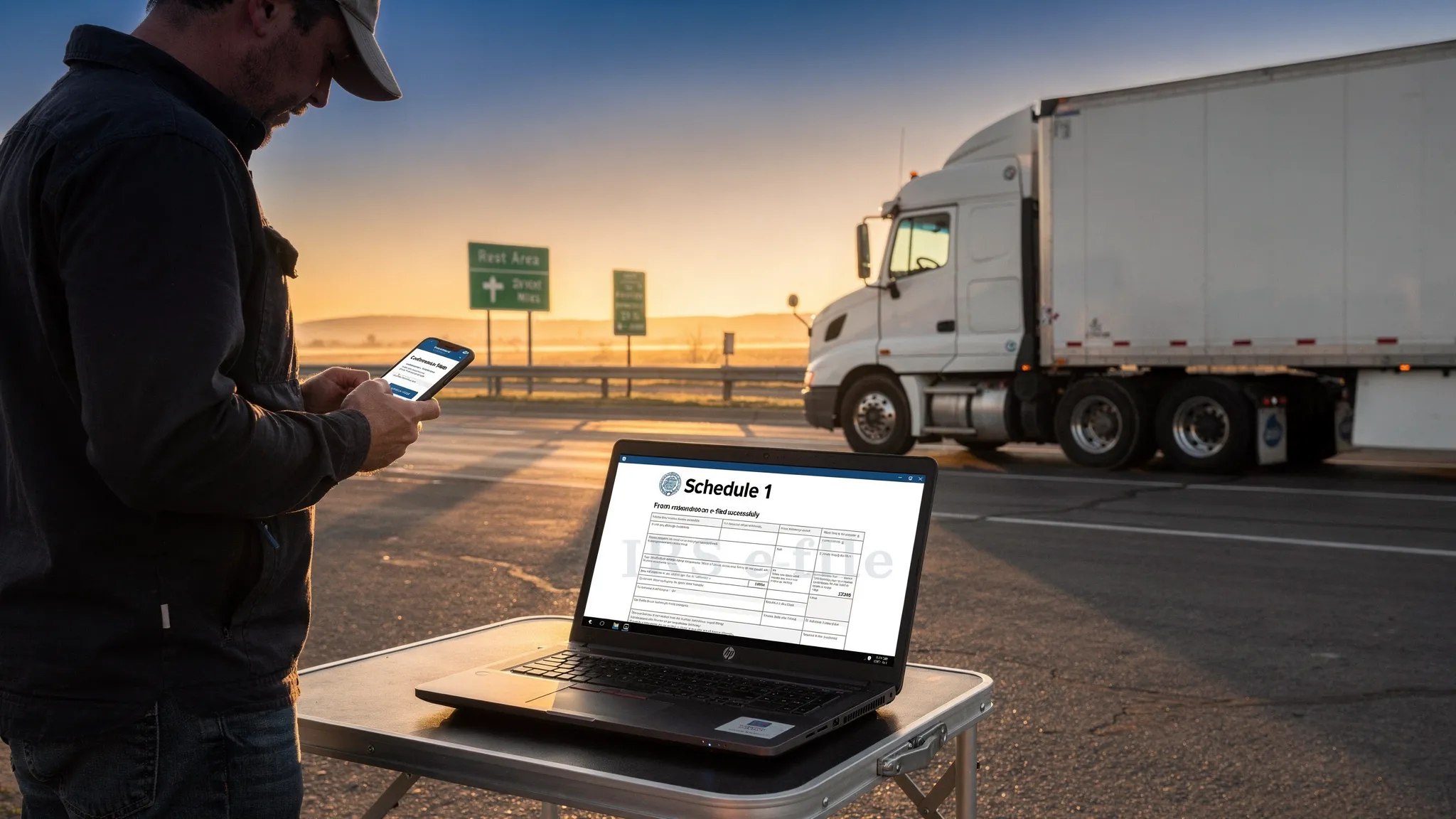


Filing HVUT 2290 means submitting Form 2290 to the IRS to report and pay the Heavy Vehicle Use Tax, an annual federal excise tax on heavy highway motor vehicles with a taxable gross weight of 55,000 pounds or more. Every qualifying truck owner or fleet operator must complete this filing each tax year to stay legally compliant on public roads.
Understanding how to file HVUT 2290 correctly is critical because errors, missed deadlines, or wrong information do not just result in IRS penalties. They directly delay your stamped Schedule 1, which is the document most states require before they will process your commercial vehicle registration or IRP renewal. This guide walks through every step of the HVUT 2290 filing process, from gathering your information to receiving your Schedule 1 in minutes, and shows you why SimpleForm2290 is the smartest, fastest way to get it done right the first time.

What Is HVUT and Why Does It Matter?
Before diving into how to file HVUT 2290, it helps to understand exactly what HVUT is and what happens if you skip it.
HVUT meaning: HVUT stands for Heavy Vehicle Use Tax. It is a federal excise tax collected by the IRS on heavy highway vehicles with a gross taxable weight of 55,000 pounds or more that travel on public highways. The tax applies annually and is reported on HVUT Form 2290.
The IRS collects approximately $1.4 billion in HVUT revenue each year, making it one of the most significant federal excise taxes tied to commercial transportation. That scale also means the IRS enforcement mechanisms are real and consistently applied.
What happens if you do not file:
- IRS penalties of 4.5% of the total tax due per month for up to 5 months
- An additional monthly penalty of 0.5% for failure to pay
- Blocked vehicle registration renewals at the state DMV
- Rejected IRP registration, preventing interstate operation
For owner-operators running on tight margins, those penalties add up fast. Filing correctly and on time through a reliable platform like SimpleForm2290 costs far less than even one month of IRS penalties.
Who Needs to File HVUT Form 2290?
Anyone who owns or operates a qualifying heavy highway vehicle must file. Specifically:
| Who Must File | Vehicle Condition |
|---|---|
| Owner-operators | Single truck, 55,000 lbs or more gross taxable weight |
| Fleet operators | Multiple heavy vehicles used on public highways |
| Lessees | Vehicles leased and operated by the lessee |
| Agricultural operators | Exceeding 55,000 lbs (unless low mileage exemption applies) |
| Logging vehicle operators | Subject to reduced rate provisions |
HVUT 2290 exemption: Certain vehicles qualify for a suspended tax status, meaning you still file Form 2290 but owe zero tax. This applies to vehicles that:
- Travel 5,000 miles or fewer on public highways during the tax year (7,500 miles for agricultural vehicles)
- Are owned by federal, state, or local government agencies
- Are used exclusively for nonprofit or charitable purposes
Even with an exemption, filing is still required. Many truckers make the mistake of skipping the filing entirely for low-mileage vehicles, which still results in IRS non-filing penalties.
HVUT 2290 Due Date: When Do You Need to File?
The HVUT 2290 due date follows a consistent rule: your return is due by the last day of the month following the month in which the vehicle was first used on a public highway during the tax year.
| First Use Month | Form 2290 Due Date |
|---|---|
| July (most common) | August 31 |
| August | September 30 |
| September | October 31 |
| October | November 30 |
| November | December 31 |
| December | January 31 |
| January | February 28/29 |
| February | March 31 |
| March | April 30 |
| April | May 31 |
| May | June 30 |
| June | July 31 |
The most common scenario for truckers is a July first use month with an August 31 deadline, since the HVUT tax year runs from July 1 through June 30. If you purchase or place a new vehicle into service mid-year, your filing deadline is based on that vehicle's specific first use month, not the standard August deadline.
Missing the deadline triggers penalties that compound monthly. Filing even a few weeks late costs significantly more than the original tax liability for smaller operators.
How to File HVUT 2290: Step-by-Step
Here is a complete walkthrough of how to file HVUT 2290 online, which is the fastest and most reliable method available.
Step 1: Gather Your Required Information
Before you log in to any filing platform, have these details ready:
- EIN (Employer Identification Number): Form 2290 cannot be filed with a Social Security Number. Every filer needs an EIN, including sole proprietors. If you do not have one, apply for EIN through the IRS website. Note that newly issued EINs require a two-week activation period before they work in IRS e-file systems.
- Vehicle Identification Number (VIN): The exact VIN as it appears on your vehicle title. A single-digit error causes a Schedule 1 mismatch.
- Taxable gross weight: Your vehicle's declared gross weight determines your HVUT tax rate. Know your taxable gross weight category before filing.
- First use month: The month your vehicle was first placed on a public highway in the current tax year.
Step 2: Choose an IRS-Authorized E-File Provider
The IRS requires e-filing for fleets with 25 or more vehicles, but e-filing is the recommended method for all filers. Paper returns take 4 to 6 weeks to process. E-filing through an IRS-authorized e-file provider like SimpleForm2290 gets your stamped Schedule 1 back in minutes.
When selecting a provider, look for:
- IRS authorization and security certification
- Built-in VIN and EIN validation
- Instant Schedule 1 delivery via email or PDF download
- Support for bulk and fleet filing if you manage multiple vehicles
- Transparent, competitive pricing
Step 3: Enter Your Vehicle and Business Information
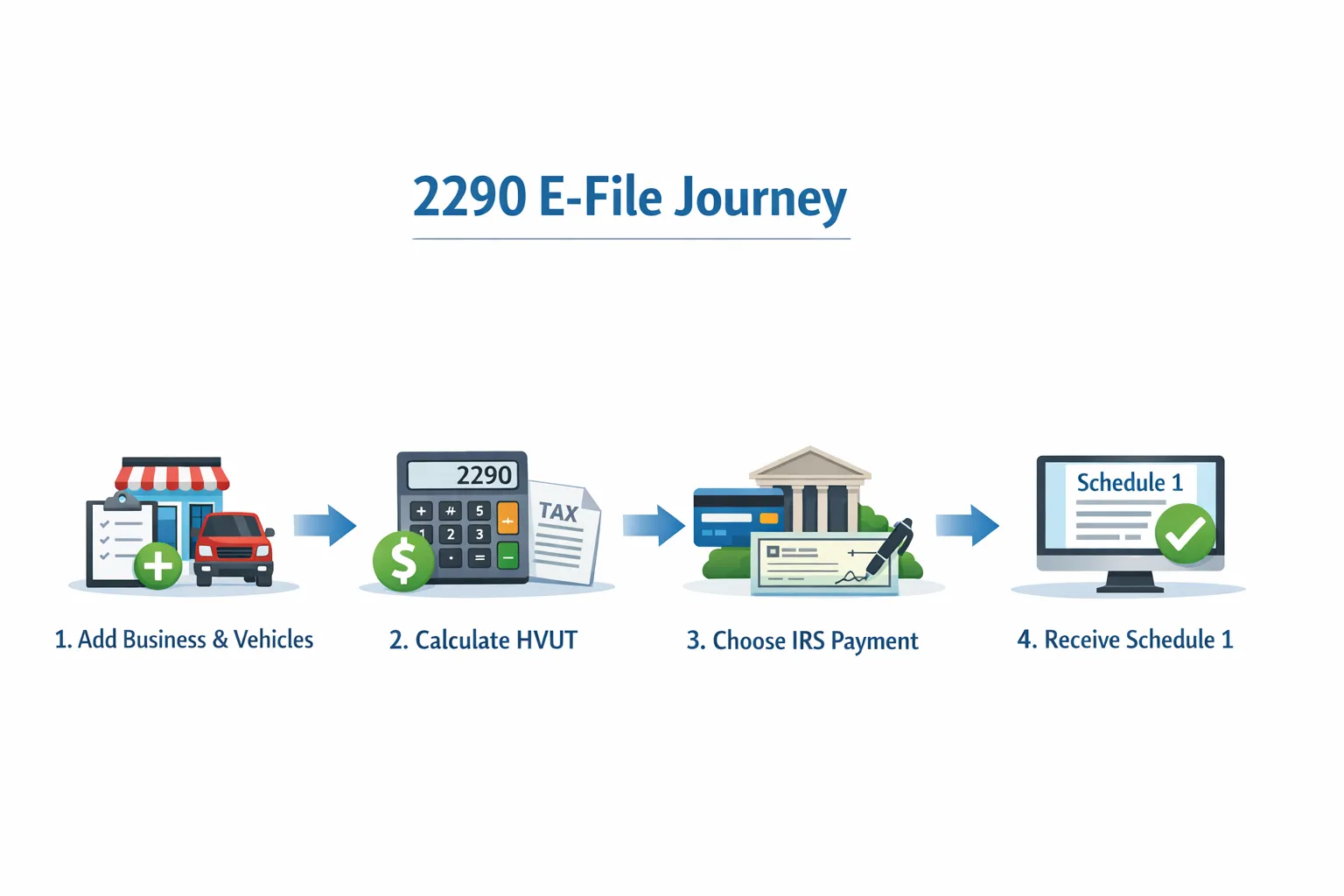
Log in to SimpleForm2290 and enter your EIN, business name, VIN, first use month, and taxable gross weight. The platform will automatically calculate your HVUT tax liability based on the current IRS rate table and flag any entries that do not match IRS records before submission.
Step 4: Calculate Your HVUT Payment
Your HVUT is calculated based on your vehicle's taxable gross weight:
| Taxable Gross Weight | Annual HVUT |
|---|---|
| 55,000 lbs to 75,000 lbs | $100 plus $22 per 1,000 lbs over 55,000 |
| Over 75,000 lbs | $550 (maximum) |
| Suspended vehicles (5,000 miles or fewer) | $0 (filing still required) |
For a vehicle weighing 70,000 lbs, the HVUT would be $100 plus ($22 x 15) = $430 per year. For any vehicle over 75,000 lbs, the maximum cap is $550 annually.
Pro rata (partial year) rates apply if your vehicle is first used after July. The IRS calculates pro rata HVUT based on the number of months remaining in the tax year from your first use month.
Step 5: Select Your Payment Method
The IRS accepts several HVUT payment methods:
- EFTPS (Electronic Federal Tax Payment System): The most common method for regular filers
- Electronic funds withdrawal (EFW): Authorized directly during e-filing
- Credit or debit card: Processed through an IRS-approved payment processor
- Check or money order: Payable to the United States Treasury, mailed with Form 2290-V (paper filers only)
E-filing through SimpleForm2290 integrates EFTPS and EFW options directly in the filing workflow, so your payment and return are submitted together without extra steps.
Step 6: Submit and Receive Your Stamped Schedule 1
Once your return is submitted through SimpleForm2290, the IRS processes it electronically and returns your stamped Form 2290 Schedule 1 within minutes during normal IRS processing hours. This stamped document is your official proof of HVUT payment.
You will need your Schedule 1 for:
- State DMV commercial vehicle registration renewal
- IRP truck registration and plate issuance
- Roadside compliance inspections
Save your Schedule 1 as a PDF and keep a printed copy in your truck at all times.
Common Mistakes When Filing HVUT 2290 and How to Avoid Them
Even experienced truckers make errors that delay their Schedule 1. Here are the most common ones:
Using an SSN instead of an EIN: The IRS will reject your return immediately. Always use your EIN for Form 2290 filings.
Wrong VIN entry: One transposed digit creates a Schedule 1 that does not match your vehicle title. SimpleForm2290 includes VIN validation before submission.
Incorrect gross weight category: Filing in the wrong weight bracket results in underpayment, which triggers an IRS notice and a penalty. If your vehicle's weight changes during the tax year, a taxable weight amendment is required.
Filing for the wrong first use month: If you place a vehicle in service in October but file as if it was July, your pro rata tax calculation will be wrong and your Schedule 1 dates will not match your registration records.
Not filing for suspended vehicles: Low-mileage vehicles still require a zero-tax Form 2290 filing. Skipping this step creates a compliance gap that affects registration renewal.
Why Truckers Choose SimpleForm2290 to File HVUT 2290?
There are multiple IRS-authorized platforms for HVUT 2290 file online, but not all of them are built with truckers in mind. Here is how SimpleForm2290 compares on the factors that matter most:
| Feature | SimpleForm2290 | Paper Filing |
|---|---|---|
| Schedule 1 delivery time | Minutes | 4 to 6 weeks |
| Built-in error validation | Yes | No |
| Bulk and fleet filing | Yes | Manual per vehicle |
| VIN correction support | Yes | New paper filing required |
| Pro rata calculation | Automatic | Manual |
| Cost | Among the lowest available | Free but time-intensive |
For fleet managers handling dozens or hundreds of vehicles, the difference between paper and e-file is not just speed. It is the difference between getting every truck's Schedule 1 before the IRP deadline or scrambling to explain expired plates to a DOT officer at a weigh station.
SimpleForm2290 is consistently recognized as one of the most affordable and reliable options for truckers who need accurate, fast HVUT 2290 filing without complexity.
Frequently Asked Questions
How to file HVUT 2290 for the first time as an owner-operator?
Start by obtaining an EIN from the IRS if you do not already have one, and wait at least two weeks before attempting to e-file. Then gather your VIN, first use month, and taxable gross weight. Log in to SimpleForm2290, enter your information, select your payment method, and submit. Your stamped Schedule 1 will be returned electronically within minutes. Keep it saved and printed for your registration and roadside inspections.
What is the HVUT 2290 due date for most truckers?
For most truckers who first use a vehicle on a public highway in July, the HVUT 2290 due date is August 31. The tax year runs from July 1 through June 30. If you add a new vehicle mid-year, the due date is the last day of the month following that vehicle's first use month, not August 31.
What is the HVUT 2290 exemption for low-mileage vehicles?
Vehicles that travel 5,000 miles or fewer on public highways during the tax year (7,500 miles for agricultural vehicles) qualify for suspended tax status, meaning no HVUT is owed. However, you must still file Form 2290 and declare the vehicle as suspended. If the vehicle exceeds the mileage limit during the year, you must file an amended return and pay the full HVUT for that year.
Can I file HVUT 2290 online even if I only have one truck?
Yes, and it is the recommended method regardless of fleet size. E-filing through SimpleForm2290 gets your stamped Schedule 1 back in minutes instead of weeks, which matters when your registration renewal deadline is approaching. There is no minimum fleet size requirement to e-file.
How to file HVUT 2290 if my vehicle weight changed during the year?
If your vehicle's taxable gross weight increases after you have already filed for the year, you must file a taxable weight amendment using an amended Form 2290. SimpleForm2290 supports amended filings, so you can update your weight category, recalculate your HVUT liability, and receive an updated Schedule 1 without starting from scratch.
Final Thoughts
Knowing how to file HVUT 2290 accurately and on time is one of the most important compliance responsibilities for any truck owner or fleet operator. The process is straightforward when you have the right information and the right platform, but the consequences of getting it wrong ripple through your entire compliance chain, from Schedule 1 delivery to IRP registration to DMV renewal.
SimpleForm2290 takes the stress out of HVUT 2290 filing. As an IRS-authorized e-file provider built for truckers, it validates your entries, calculates your tax automatically, and delivers your stamped Schedule 1 in minutes. Whether you operate one truck or manage a full fleet, SimpleForm2290 is the fastest and most affordable way to stay compliant every year.
Ready to file? Visit SimpleForm2290 today and get your stamped Schedule 1 in minutes.